


eureka!20262 min read
My Computer Can Work Overtime. I Don't Have To.

Why should rendering take away my evenings?
I have a fairly powerful rendering PC at home. The problem is, I don't particularly enjoy spending my evenings sitting in front of it. Especially after working all day. Previously, I'd finish my 3D modeling at the office, then continue the rendering process at home. Setting up materials, cameras, lighting, and waiting for the final output.
It worked, but it was taking away my rest and family time.
Then I started experimenting with MCP, Tailscale, and headless rendering.
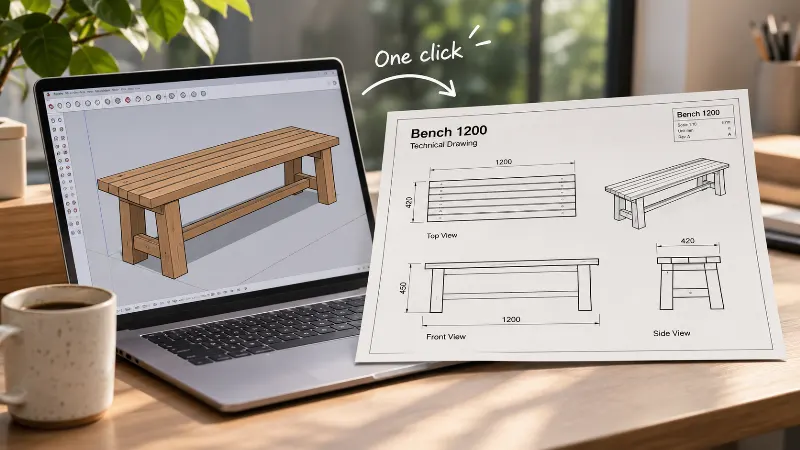
I connected my office workflow to my PC at home, scripted the rendering process, and prepared reusable templates for the settings I normally had to configure manually. Now I can send a rendering job from the office, let my PC at home handle the processing, and get high-resolution JPEG or PNG files back without having to sit in front of it.
Tailscale is an VPN apps thats allow you to connect to your local computer from anywhere, you can read more from Tailscale official website and it's freeware at certain level.
But here's the interesting part.
While my computer is rendering at home, I can continue doing something else at the office. Two jobs running at the same time, without me having to divide my attention between them. I wasn't really multitasking. My computers were. And perhaps more importantly, when I get home, I can actually spend my time at home.
One More Thought
My mind has a habit of jumping between ideas. Sometimes, in the middle of doing something, another idea suddenly appears. Before AI, I'd either write it down or simply forget about it. Which I always thought was a waste. Now, when an idea comes along, I can ask AI to explore it, plan the technology stack, or start developing something while I continue working on whatever genuinely needs my attention.
Of course, I still need to review what it produces. But at least the idea doesn't have to sit there waiting for me. My mind still jumps around. Now my workflow can keep up with it.